
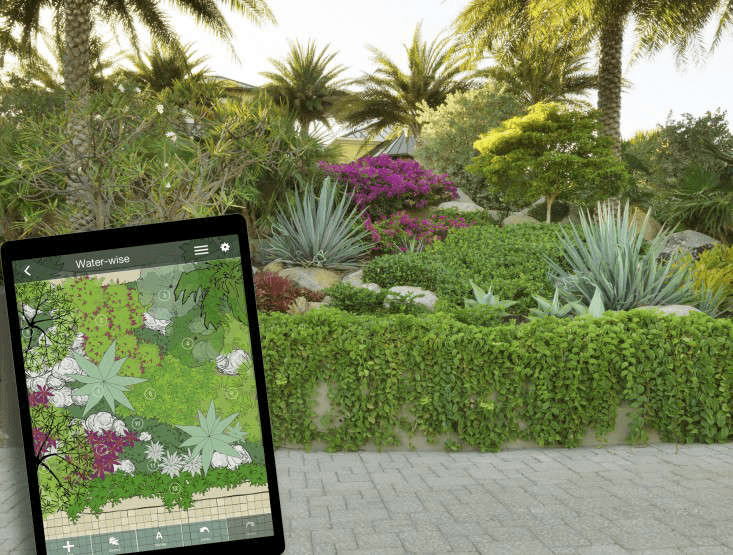
Transforming your backyard, garden, or patio doesn’t have to start with expensive software or professional tools. With the right landscape design app, Android users can plan layouts, drag and drop elements, and bring ideas to life—all from a mobile screen. But which free app actually delivers useful features?
Below is a curated breakdown of the top-rated free landscape design apps for Android. Each offers something unique, whether you’re a beginner experimenting with ideas or a pro visualizing client projects. Let’s explore the most practical and creative tools available today.
Why Use a Landscape Design App?
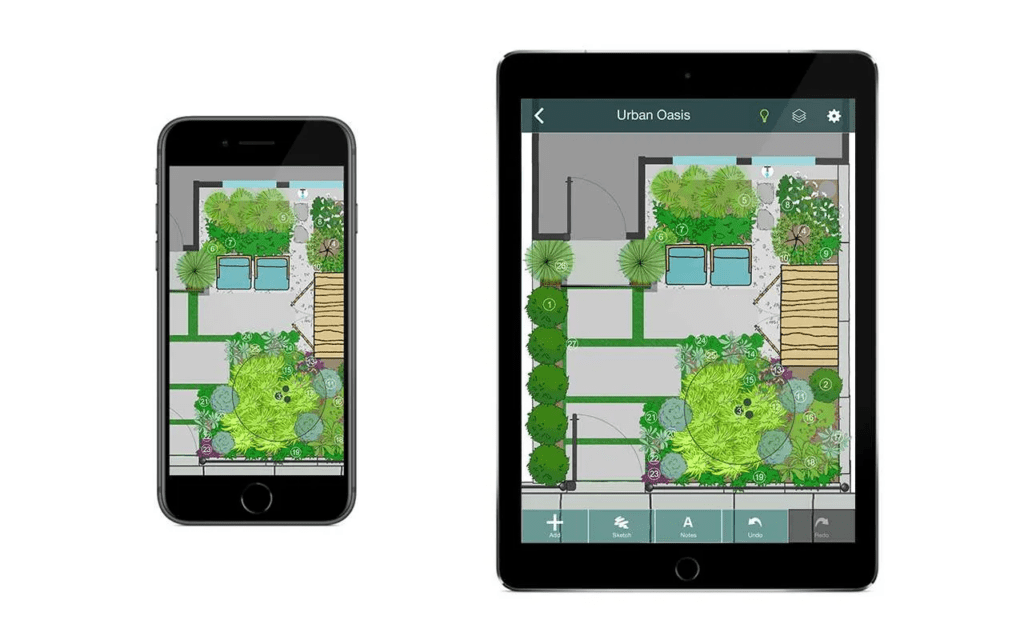
Landscape design apps bridge the gap between imagination and execution. Instead of hiring a designer or sketching layouts manually, you get a digital workspace tailored for outdoor creativity.
Key Advantages of Using an App:
- Quick visualization of ideas
- Access to built-in objects like trees, fences, and paths
- Ability to edit and revise designs easily
- No technical drawing skills required
- On-the-go planning via smartphone or tablet
What to Look For in a Good App
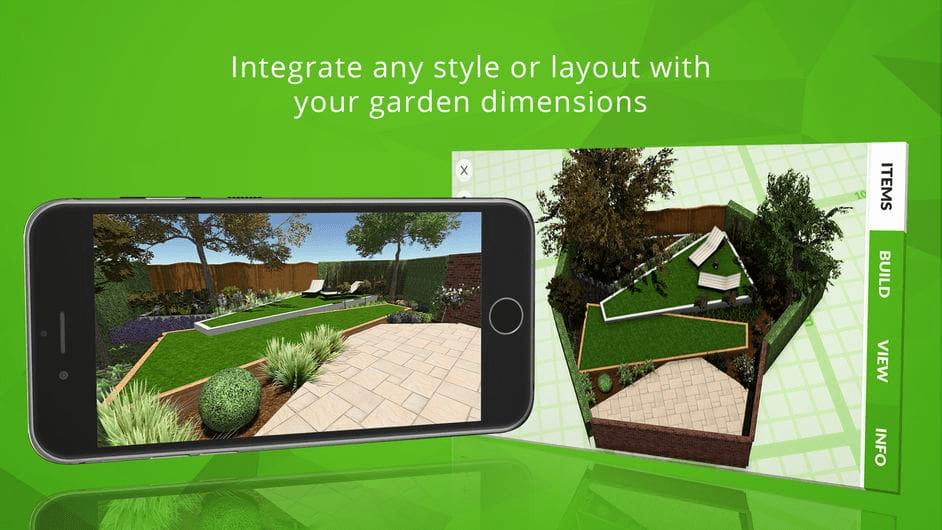
Choosing the best free landscape design app means finding a balance between usability and creative flexibility.
Essential Features to Consider:
- Simple user interface
- Plant and structure libraries
- Drag-and-drop functionality
- Export or share options
- 2D and 3D views (if available)
Some free apps include premium upgrades, but all the options below offer a strong experience at no cost.
Home Outside
Home Outside stands out with its wide range of design tools and intuitive layout. It’s especially useful for planning complex outdoor projects with layered elements and multiple zones.
Highlights:
- Over 700 built-in design elements
- 29 unique palettes to organize components
- Custom property planning guides
- Easy drag-and-drop interface
- Ability to email designs directly from the app
Limitations:
- The free version lacks a plant library
- Some advanced features are locked behind in-app purchases
Home Outside is ideal for users who want a mix of structure and freedom in design.
PRO Landscape Contractor
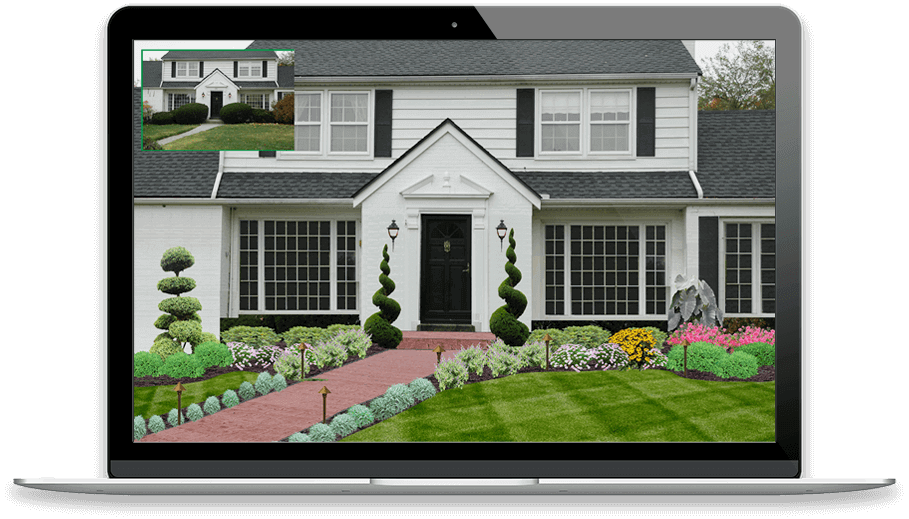
Tailored for professionals, PRO Landscape Contractor lets you create realistic mockups for client projects. It’s a strong app for those who want to pitch ideas visually and accurately.
What Makes It Useful:
- Start with a photo of the client’s home
- Add hardscapes, plants, and textures
- Resize and scale tools for accuracy
- Save projects for later updates
- Includes sample photos in the free version
Drawback:
- The plant database is limited unless upgraded
For small business landscapers, this app offers impressive tools in a free format.
Home Design 3D Outdoor/Garden
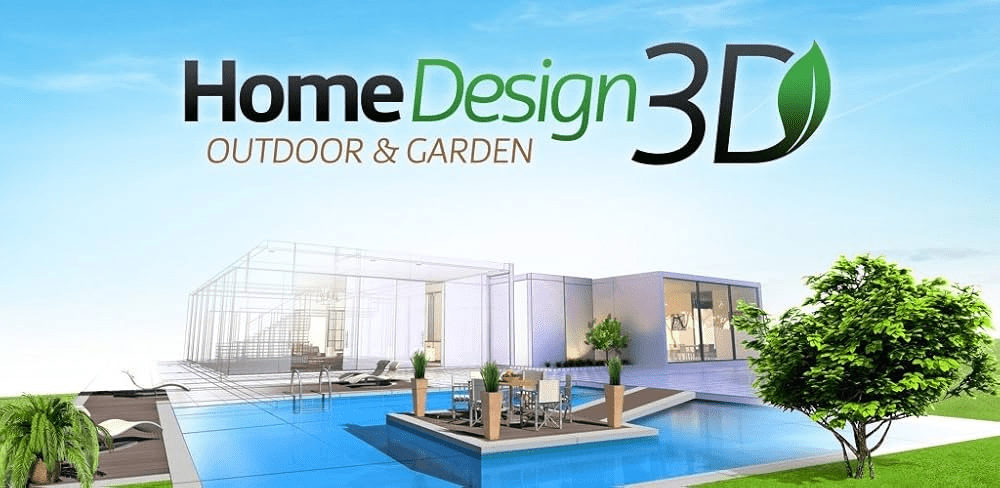
This app has attracted over 35 million users—and for good reason. Home Design 3D Outdoor/Garden is built for quick ideation and planning with realistic garden layouts.
What You Get:
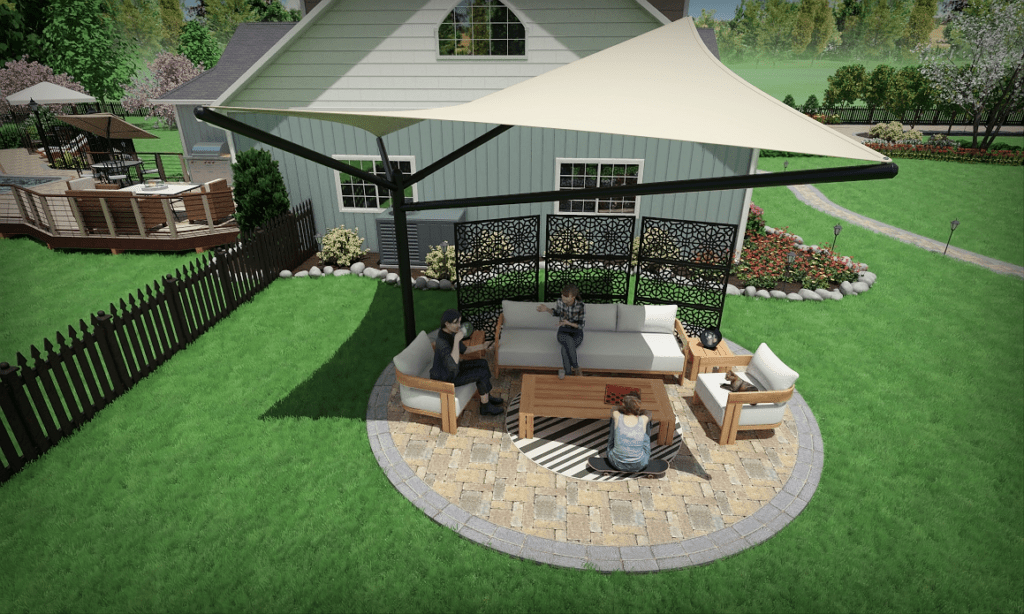
- Intuitive interface with drag-and-drop features
- Use real-world dimensions for precision
- Multi-level garden design capabilities
- Works offline after setup
- Reliable even on older Android devices
Downside:
- Saving features are locked without the premium version
If you’re just starting to shape your outdoor vision, this app brings concepts to life beautifully.
Floor Plan Creator
While not a garden-specific app, Floor Plan Creator is useful for comprehensive property planning. It’s ideal if your landscape design involves patios, walls, or integrated outdoor rooms.
Standout Features:
- Auto-calculates area, walls, and symbols
- Includes 3D view for perspective layouts
- Furniture and door libraries
- Mouse and S-Pen support
- Custom dimension tools for accuracy
Minor Issue:
- 3D image quality could use refinement
For detailed and structural landscape layouts, this app covers more than just greenery.
Palette Home
Palette Home focuses on 3D interior layout, but its interface and precision tools translate well to small-scale landscape or patio planning. Its clean display is what makes it attractive.
What It Offers:
- Real-time 3D walkthroughs
- User-friendly controls
- High-quality visual output
- Perfect for modern, minimal design planning
Weakness:
- Some users report performance lag
If you’re redesigning a balcony, rooftop, or minimalist garden, Palette Home gives a sleek planning experience.
Comparison Table of Free Landscape Design Apps
| App Name | Best For | Key Features | In-App Purchases |
| Home Outside | Full outdoor layouts | 700+ elements, custom palettes | Yes |
| PRO Landscape Contractor | Client visual mockups | Photo-based edits, hardscape tools | Yes |
| Home Design 3D Outdoor | Garden creation | Real dimensions, multi-level design | Yes |
| Floor Plan Creator | Structural planning | Auto-calculations, 3D mode | Yes |
| Palette Home | Clean 3D visual planning | Real-time 3D, sleek interface | Yes |
Tips for Better Landscape Planning with Apps
Designing digitally can be fun and efficient if you use the tools wisely. Try these tips for the best results:
- Measure your outdoor space first. Use real-world dimensions in the app.
- Start with basic elements. Lay down paths, fences, and walls before adding trees or décor.
- Use layers. Create multiple levels or zones (seating, garden beds, water features).
- Save drafts. Always save versions as you go to avoid losing progress.
- Test multiple layouts. Compare ideas before committing.
Common Mistakes to Avoid When Using Design Apps
Even the best free landscape design app can’t guarantee perfect results unless used effectively. Here are some errors to watch out for during your planning:
Typical Pitfalls:
- Overcrowding the layout: Too many elements make the space look chaotic and unrealistic.
- Ignoring scale: Always match the size of objects to your actual space. A large tree in a tiny patio doesn’t work.
- Skipping layers or zones: Not separating functional zones (seating, green area, path) can make the plan confusing.
- Forgetting walkability: Ensure that your layout allows for natural flow and movement.
- Not saving regularly: Some free apps limit auto-save features—manual saves are essential.
Avoiding these missteps will help turn your virtual landscape into a practical one.
Who Should Use These Apps?

Whether you’re a casual user or a pro in the field, these free apps serve different planning needs.
Best Fit by User Type:
- Beginners: Try Home Design 3D or Home Outside for simple drag-and-drop planning
- DIY Gardeners: Use Floor Plan Creator to map out usable space with real dimensions
- Landscape Designers: PRO Landscape Contractor is ideal for client-ready visuals
- Minimalist Planners: Palette Home offers clean, 3D-focused planning
- Apartment Dwellers: Start small with balcony or rooftop layout tools
The key is choosing an app that matches your project scale and design expectations.
Bonus: Offline Design Tools for Android
If you’re working in areas without stable Wi-Fi or prefer offline tools, some apps still perform well without connectivity.
Top Offline-Friendly Options:
- Home Outside
- Home Design 3D
- Floor Plan Creator
Offline use ensures you’re never stuck mid-project if the internet cuts out.
What’s Missing in Free Versions?
Most free landscape design apps offer solid features, but upgrades unlock full potential.
What Premium Versions Usually Add:
- Access to larger plant and material libraries
- Higher resolution exports or 3D rendering
- Ability to save multiple projects
- More complex layering or zone tools
- Branding-free design exports for pros
Evaluate how often you plan to use the app before upgrading. For a one-time project, free may be enough.